
Watermark & protect images in WordPress
Show your photos. Keep them yours.
Add text watermarks with the free Galleo plugin. Galleo Pro adds right-click and drag protection, and password-protected galleries for clients. Switch each one on per gallery.



Free · Watermarks
Your name on every photo.
Type your watermark text, for example “© Your Studio”, and choose the bottom-right corner, the centre, or repeated across the photo. It shows in the gallery and in the full-screen viewer.

Concrete Curves

Glass Tower

Spiral Stair

Facade Rhythm
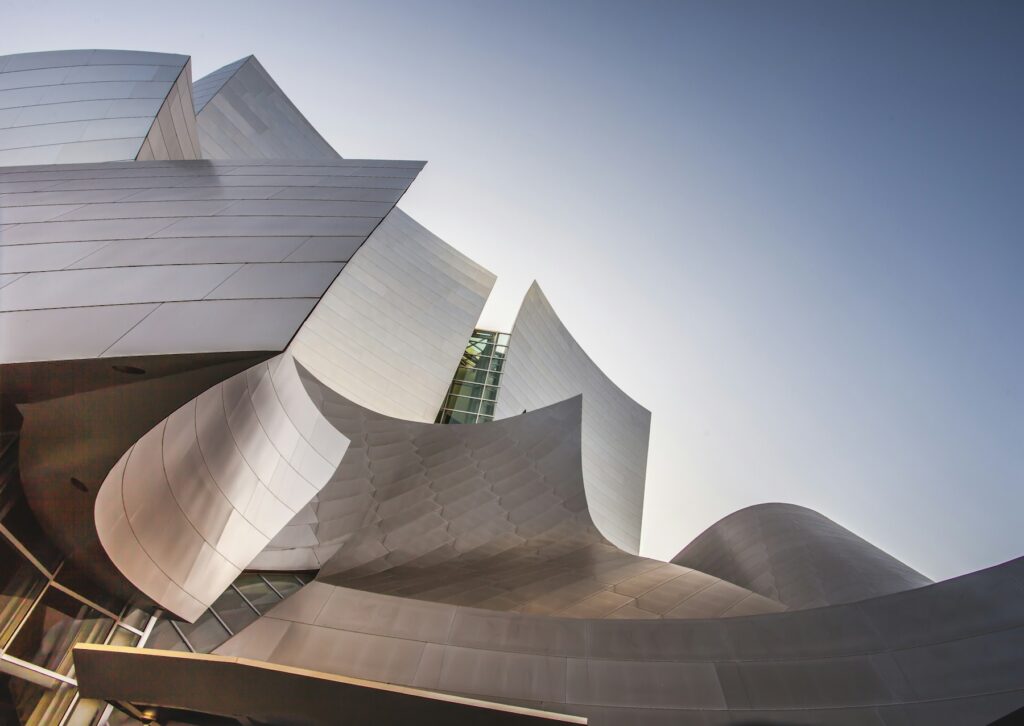
Bridge Lines

Museum Light

Arches

Skyline Grid
Pro · Password-protected galleries
Private galleries for each client.
Set a password on a gallery and visitors see a password form instead. No photos are sent to the browser until the right password is entered, and it is remembered for 30 days. Try it: the password is galleo.
Pro · Image protection
Right-click and drag, switched off.
Tick one box to block right-click saving and dragging photos out of the page, in the gallery and the full-screen viewer. It makes casual copying harder. To be honest with you: nothing on the web can stop a screenshot, which is why watermarks matter too.
Client proofing
Deliver a shoot in three steps.
Use password-protected galleries to share proofs or finished photos with each client privately, right on your own site.
Batch upload the shoot
Drop the whole set onto a new gallery.
Set a password and watermark
Both are in the Gallery settings box.
Send the link and password
Your client opens the gallery; everyone else sees the password form.
FAQ
Image protection questions.
Keep exploring
Protect your work without hiding it.
Watermarks are free. Right-click protection and private galleries come with Galleo Pro.